Warehouse Procedures

🚁 General QC Instructions – Drones

🔋 1. Check Battery

Begin by checking if the drone battery has enough charge to perform a test flight.

🔍 2. Inspect Propellers

đŸ•šī¸ 3. Pairing the Remote

📡 4. Disable GPS (if applicable)

Many drones come with GPS mode enabled. Locate the GPS toggle button and turn it off to enable manual control for QC testing.

🚀 5. Test Flight Controls

To start flight and test full movement capability:

Once propellers begin spinning, verify basic controls:

✅ 6. Final QC Checks

âš ī¸ Always follow company safety and battery handling policies when testing flight devices indoors.

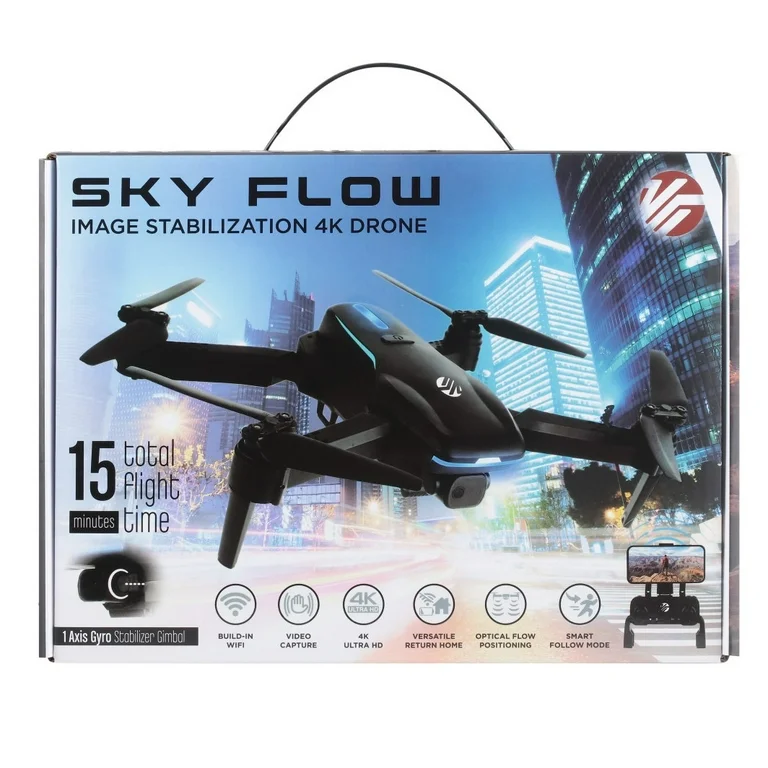
SkyFlow

SkyFlow

Ensure item functions properly and all accessories are included
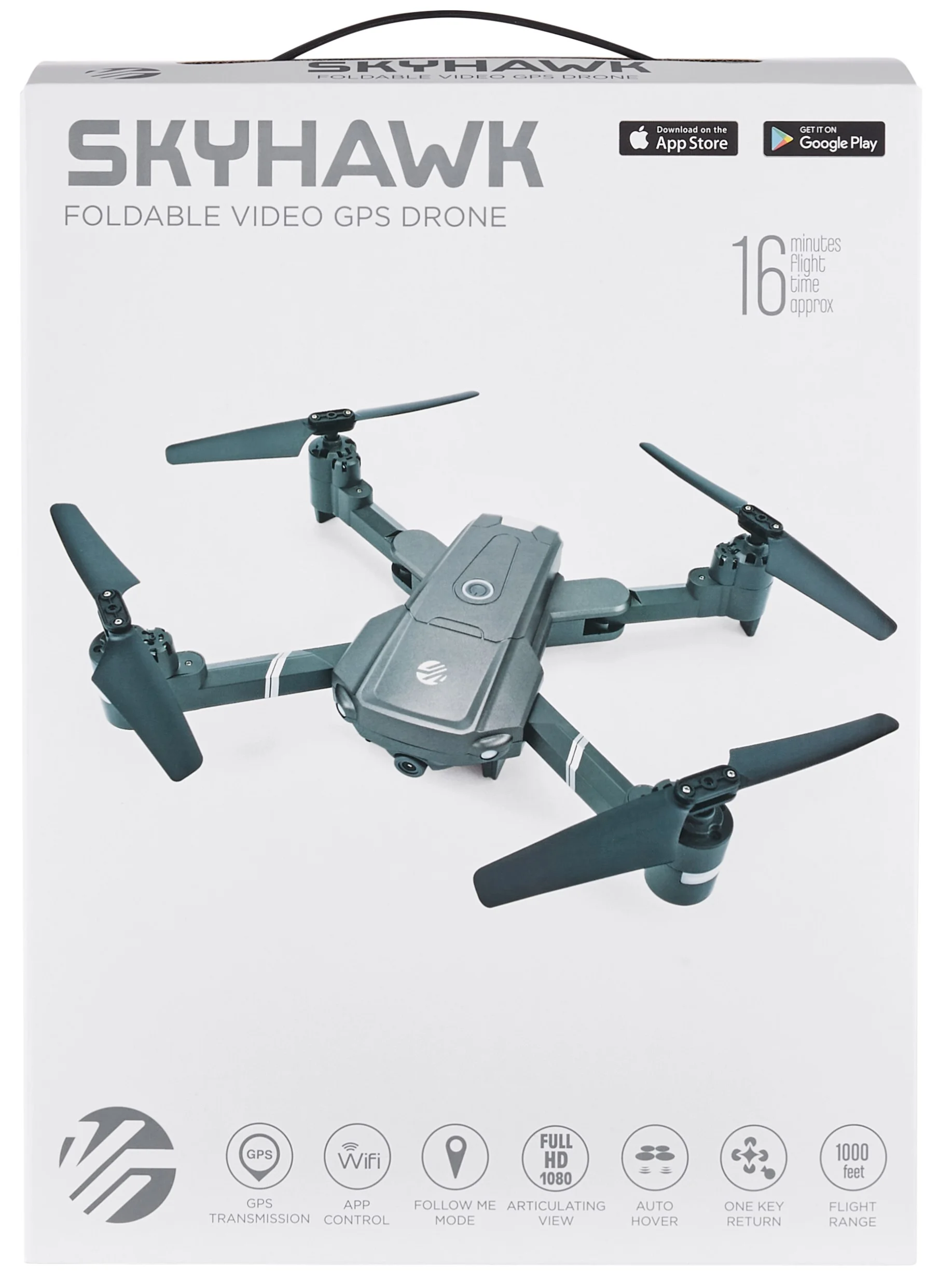
SkyView2

SkyHawk

Ensure item functions properly and all accessories are included
SkyHawk2

SkyHawk 2

Ensure item functions properly and all accessories are included
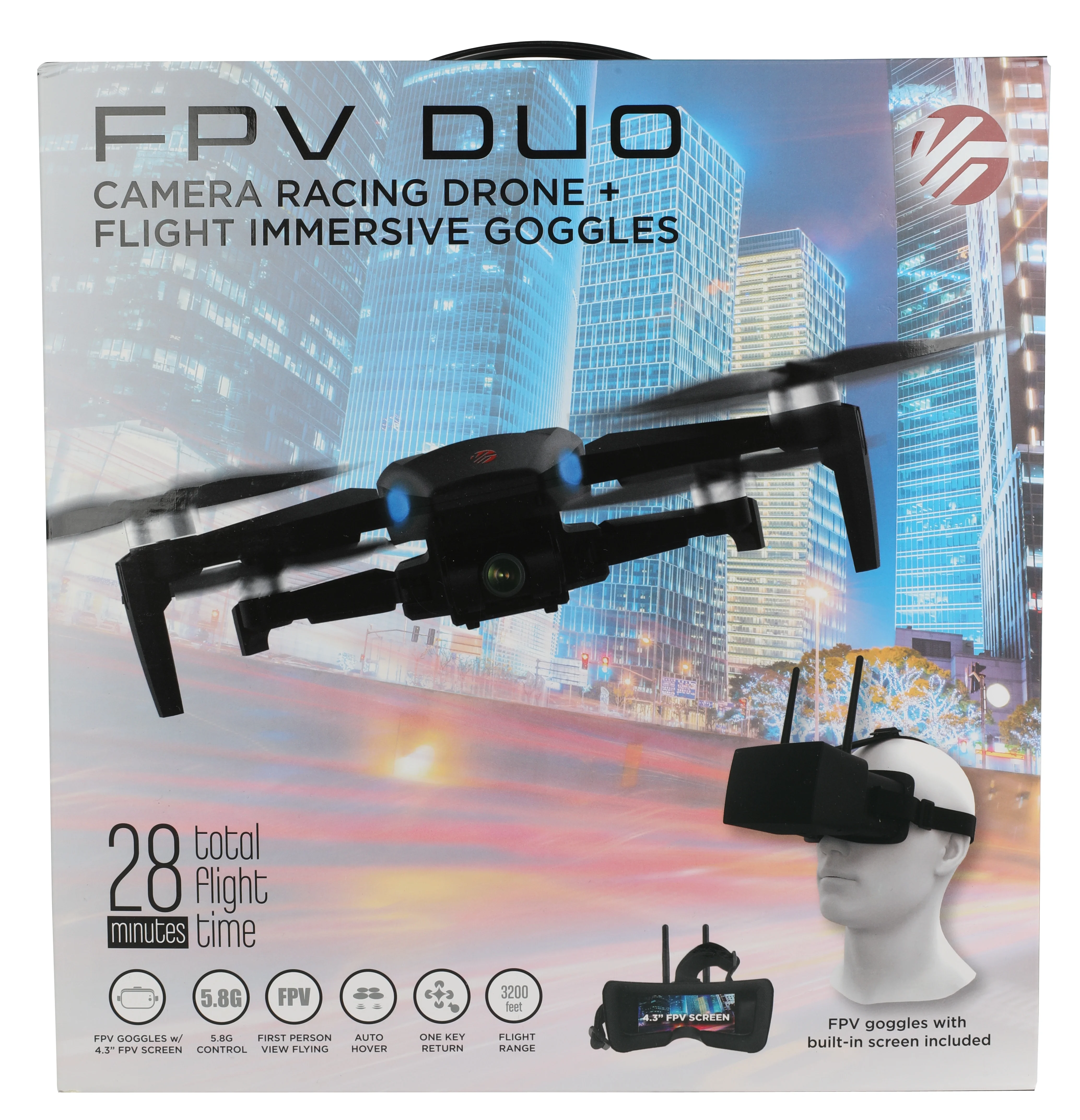
FPV DUO

FPV DUO

Ensure item functions properly and all accessories are included
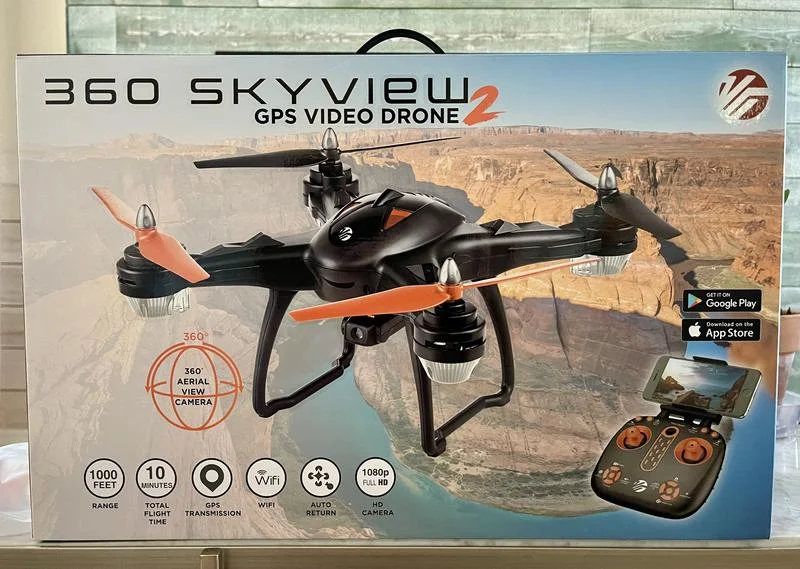
SkyView

SkyView2

Ensure item functions properly and all accessories are included
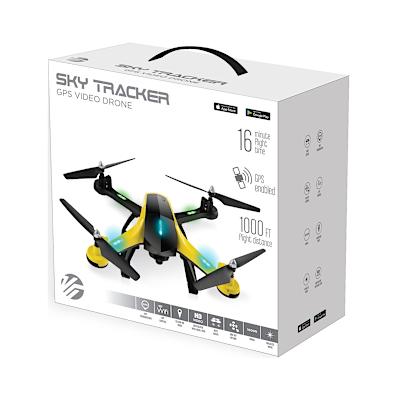
SkyView

SkyTracker

Ensure item functions properly and all accessories are included
QC PAGE

BACK TO QC

HOME

BACK TO HOME